
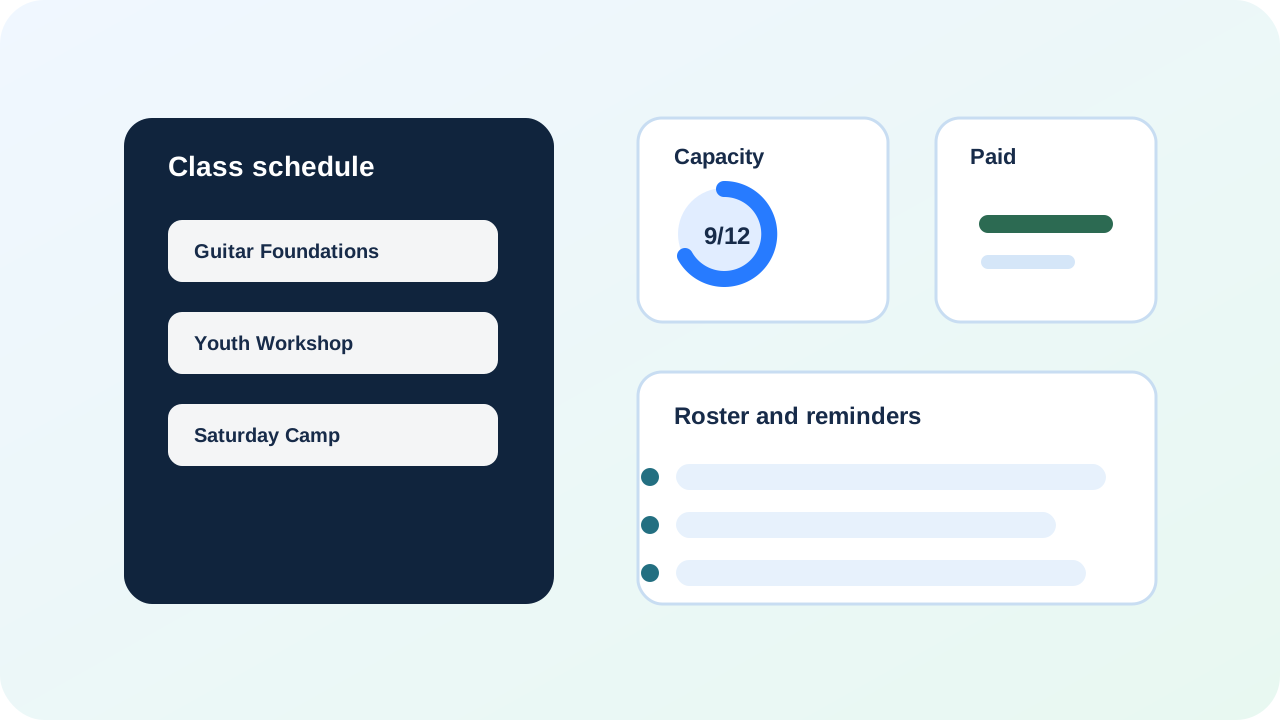
Industry workflow

BayoSys for Classes and Instructors

For coaches, instructors, schools, workshops, camps, and lesson-based businesses that need registration and payment in one flow.

Where money leaksManual rosters, unpaid students, overbooked classes, parent messages, and reminders handled after hours.
How the flow gets fixedClass page, registration, capacity, payment, roster, and reminders stay connected from the first signup.
BayoSys workflow diagram for Classes and Instructors

The class leak

A full class can still feel like chaos.

This is what happens when registration, payment, and rosters live in different places.

  1. Someone asks about a class from Instagram, email, or a text thread.
  2. You confirm the details manually and add them to a spreadsheet “for now.”
  3. Payment links get sent late, lost, or never followed up on.
  4. You oversell spots or underfill the class because the roster is not real-time.
  5. Parents and students ask the same questions again right before class.
  6. You start class day with unpaid seats, missing info, and a pile of reminders to send.
The BayoSys flow

Registration, payment, and rosters stay in one lane.

The goal is a clean path from class interest to a paid seat and a usable roster—without rebuilding the system each time.

  1. A class page explains the offer, schedule, and what to do next.
  2. Registration captures the student details you need up front.
  3. Capacity is enforced so you do not oversell or guess.
  4. Payment status stays attached to the student record.
  5. Roster and reminder messages run from the same connected list.

Class pages

Your class page should answer the real questions: what it is, who it is for, how many spots, and what happens next.

  • Offer + schedule clarity without back-and-forth
  • Pricing and what is included
  • One obvious next step (register)

Registration

Registration should capture the info you usually chase after the signup.

  • Names, contact info, and key intake questions
  • Waiver or consent prompts when needed
  • Notes stay tied to the student record

Capacity control

Stop overselling or guessing seats. Capacity is part of the flow, not a separate spreadsheet.

  • Seat count enforced at registration
  • Waitlist or “next class” path
  • Roster stays current automatically

Payments

Payment status should never be a mystery right before class starts.

  • Registration tied to payment context
  • Fewer “did you pay?” messages
  • Cleaner refund/credit decisions with context

Rosters and reminders

Rosters, reminders, and follow-up should run from the same list you are already using.

  • Roster view for instructors and staff
  • Automatable reminders and prep messages
  • Follow-up path for rebooking or next offer

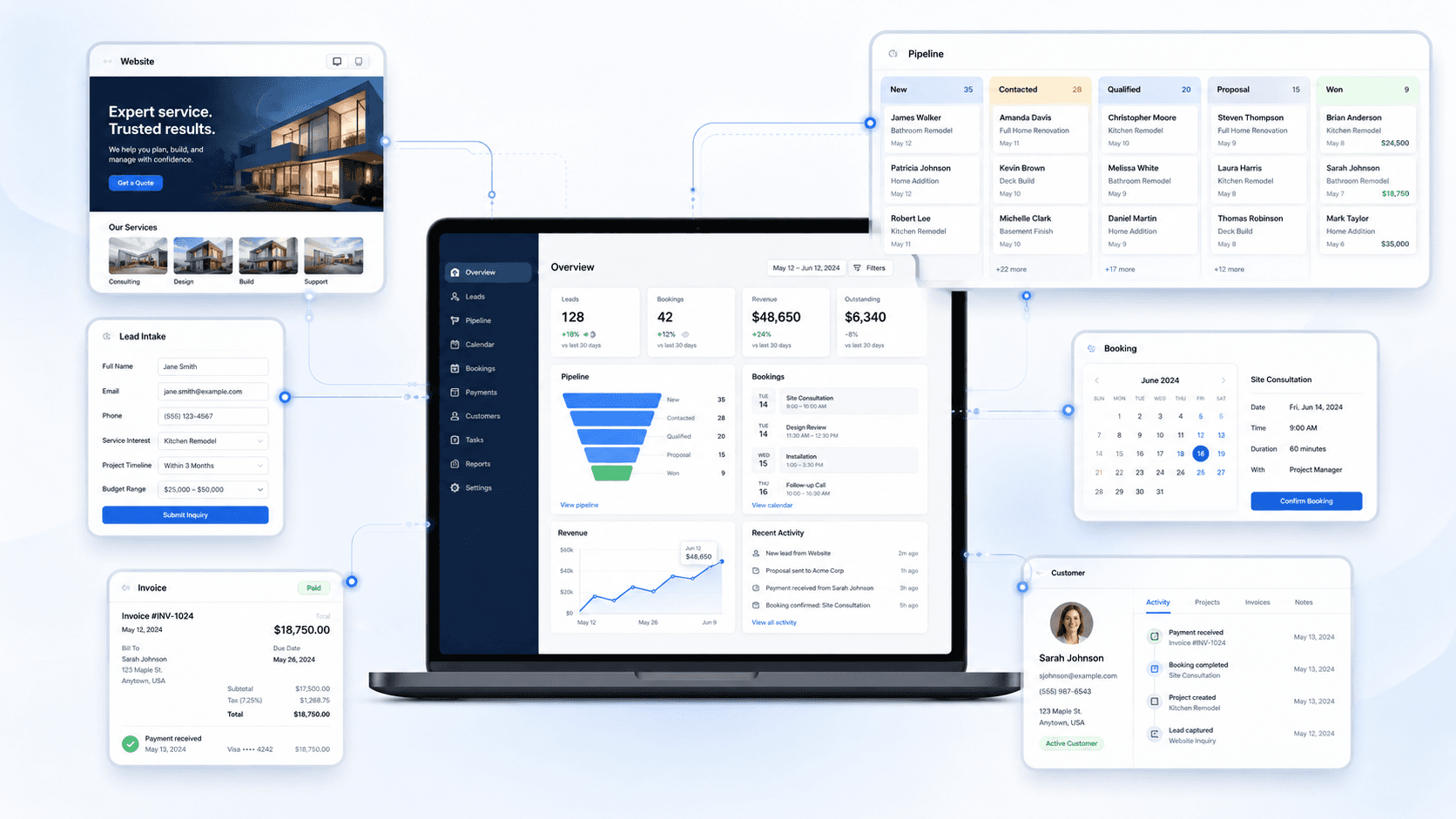
System preview

See the connected workflow before launch.

This is the kind of operating view BayoSys connects: site, intake, CRM, payments, and follow-up with context.

BayoSys operations view showing connected lead intake, CRM, booking, payments, and customer records

Starting points

Start with the full system, CRM access, or a product-specific workflow.

Request access and tell us what needs to be connected first.

Request Access