
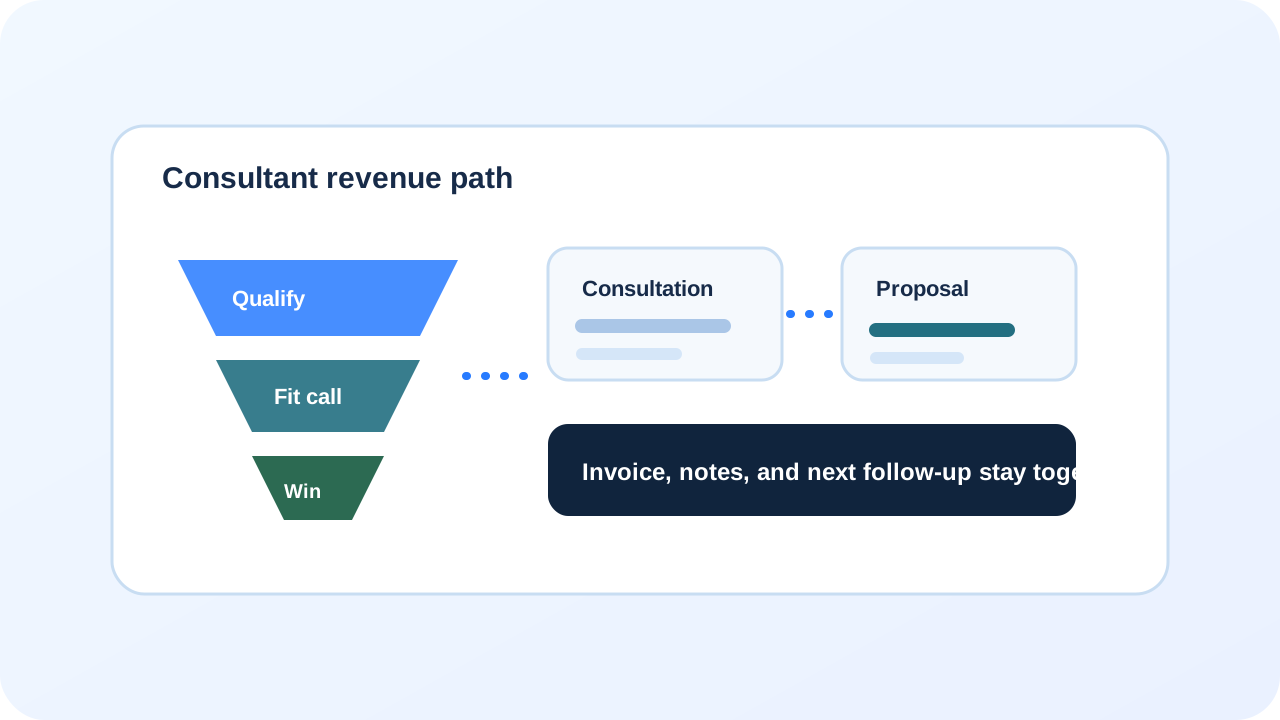
Industry workflow

BayoSys for Consultants

For consultants, agencies, advisors, and professional services that need fewer bad-fit calls and a cleaner proposal path.

Where money leaksUnqualified calls, slow scheduling, proposal drift, unpaid invoices, and no clear next action after the first conversation.
How the flow gets fixedQualification, booking, notes, proposal/invoice context, and follow-up tasks move together.
BayoSys workflow diagram for Consultants

The consultant leak

Good calls turn into ghosted proposals.

When qualification, notes, and follow-up are disconnected, the pipeline becomes invisible.

  1. A lead books a call without answering any fit questions.
  2. You spend 20–40 minutes discovering they are not a match.
  3. A good-fit lead gets a proposal, but the follow-up is manual and inconsistent.
  4. Notes live in a doc or inbox thread that no one else can see.
  5. Invoices drift away from the original context and stall.
  6. Weeks later you cannot tell which opportunities are real or dead.
The BayoSys flow

Qualification, booking, and follow-up stay attached.

The goal is fewer bad-fit calls and a pipeline that shows what is next without guesswork.

  1. A qualification form captures budget, timeline, and fit signals first.
  2. Booking and call notes stay tied to the same lead record.
  3. Pipeline stages make next actions obvious.
  4. Proposal/invoice context stays attached to the customer record.
  5. Follow-up tasks keep good leads warm until they decide.

Qualification forms

Stop filling your calendar with bad-fit calls. The first step should qualify, not just collect an email.

  • Budget, timeline, and service-fit questions
  • Routing to the right offer or next step
  • Context saved to the lead record

Consultation booking

Booking should feel like the start of a project record with expectations, not a loose calendar invite.

  • Confirmation and next-step clarity
  • Prep prompts and intake questions
  • Status stays tied to the lead

CRM and notes

A real CRM keeps the thread: who they are, what they want, what happened, and what is next.

  • Call notes and activity timeline
  • Stages for new, qualified, proposal, closed
  • Owner can spot stuck opportunities fast

Proposals and invoices

Proposals and invoices should stay connected to the same record as the call and the context.

  • Proposal/invoice status beside the contact
  • Clear next action after sending
  • Less “did you see this?” chasing

Follow-up tasks

Follow-up should not depend on memory—especially after a good call.

  • Next-step tasks created from the pipeline
  • Reminder cadence for warm leads
  • Cleaner handoff when more than one person sells

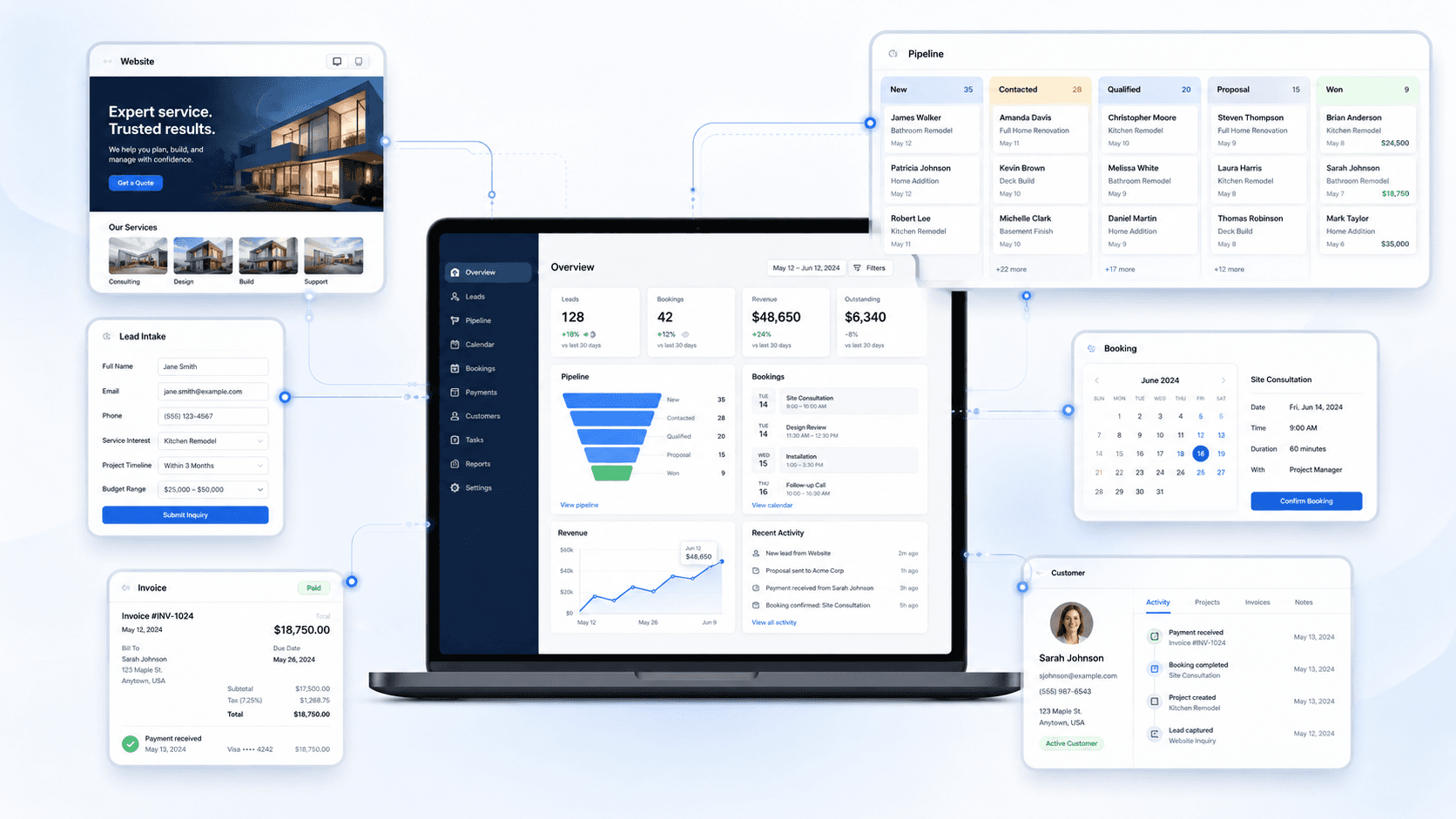
System preview

See the connected workflow before launch.

This is the kind of operating view BayoSys connects: site, intake, CRM, payments, and follow-up with context.

BayoSys operations view showing connected lead intake, CRM, booking, payments, and customer records

Starting points

Start with the full system, CRM access, or a product-specific workflow.

Request access and tell us what needs to be connected first.

Request Access